The pairwise audio experiment presents raters with two audio stimuli and asks which one they prefer. Optionally, a reference audio sample may be shown against which the stimuli are compared.
Pairwise comparisons are a popular choice for evaluating the quality of audio produced, for example, by speech synthesis systems, audio codecs, or enhancement algorithms. They have been shown to be more efficient than asking raters to evaluate audio on an absolute category rating scale. They also make it easier to apply active selection strategies, enabling further efficiency gains.
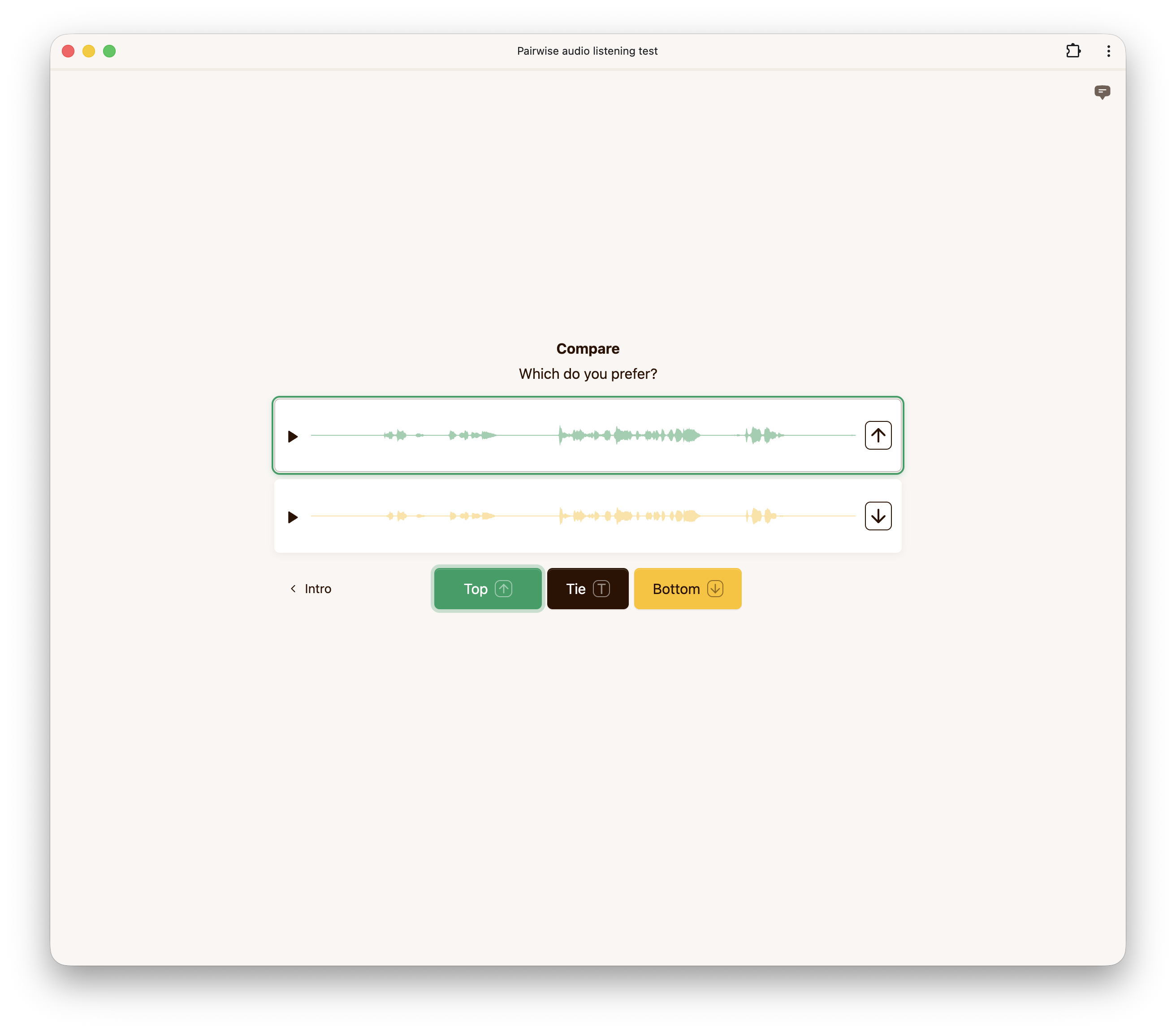
If disabled, no reference audio is played even if a reference is present in the dataset. If enabled, a reference audio sample is shown when available in the dataset.
If enabled, raters are allowed to respond that they find both audio stimuli equally preferable. Whether or not allowing ties is beneficial depends on the data and the rater pool.
When enabled, a hidden reference is included among the stimuli that raters evaluate. Since the rater does not know which stimulus is the reference, this can be used as an attention check.
This option controls how the waveform is rendered. The default setting renders a waveform based on each audio sample. Choosing stylized renders a stylized waveform that hides fine details while still giving a visual indication of the overall amplitude envelope. The waveform can be disabled completely by choosing none.
This option controls the minimum duration (in milliseconds) for which each audio stimulus must be played before raters can submit their response.
Below is an example configuration to get you started when using our API to create a pairwise audio experiment.
config = {
    "pairwiseAudio": {
        "allowTie": True,
        "hiddenReference": True,
        "showReference": False,
        "showWaveform": "default",
        "minPlayDuration": 1000,
    },
}