The MUltiple Stimuli with Hidden Reference and Anchor (MUSHRA) test is a standardized method for evaluating perceived audio quality (ITU-R BS.1534-3). It is commonly used in audio research and development, particularly for the assessment of audio codecs at intermediate audio quality, speech synthesis systems, or enhancement algorithms.
In a MUSHRA study, listeners are presented with a reference audio sample and several test conditions, including at least one hidden reference (identical to the original) and one or more anchors (lower-quality versions to serve as a baseline).
Participants are asked to rate each test condition on a continuous quality scale from 0 (bad) to 100 (excellent) based on how closely it matches the reference in terms of audio quality.
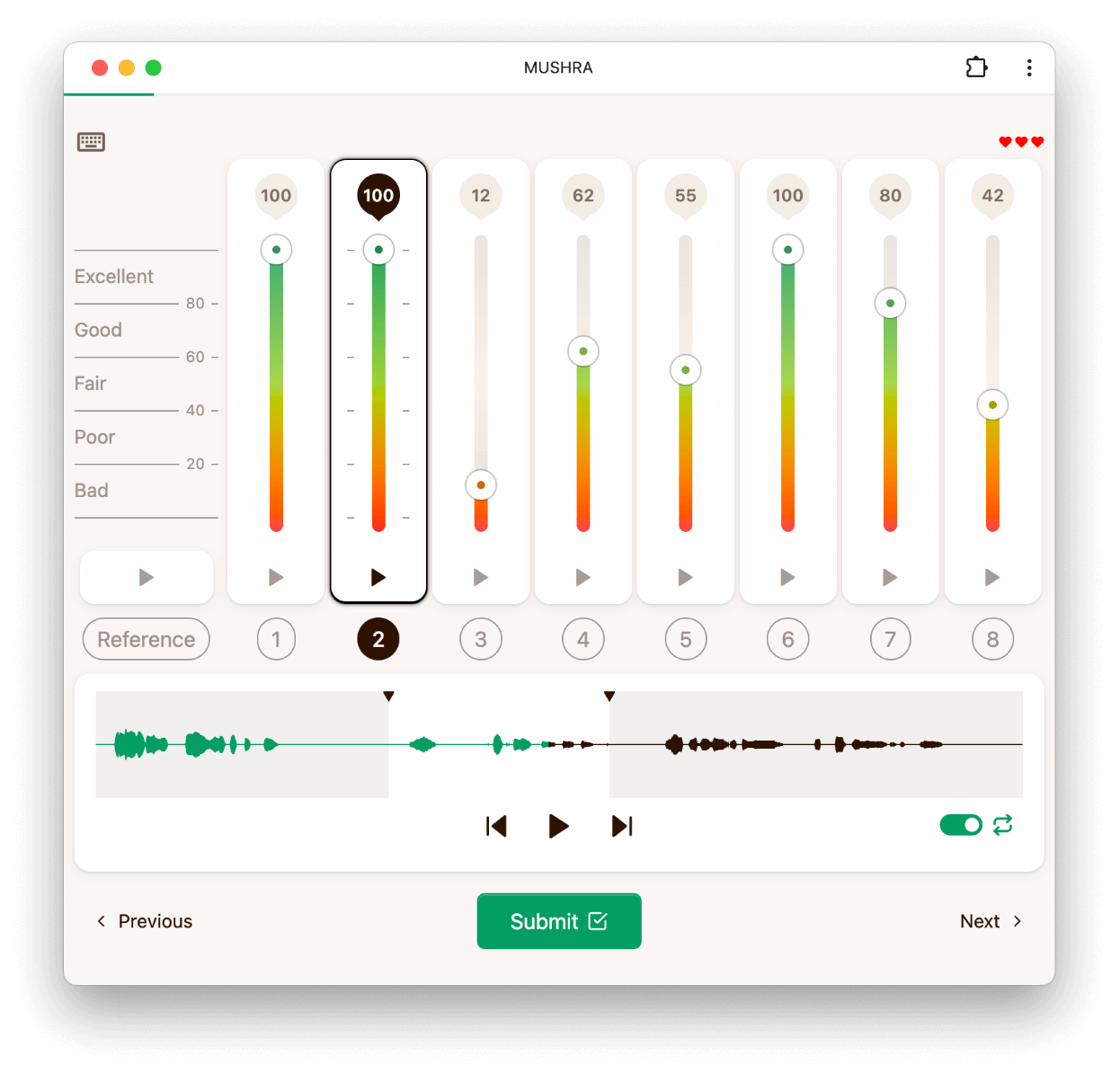
To run a MUSHRA study, first upload a dataset with references and optional anchors. Rferences and anchors are identified by their name, which you can configure when creating the dataset.
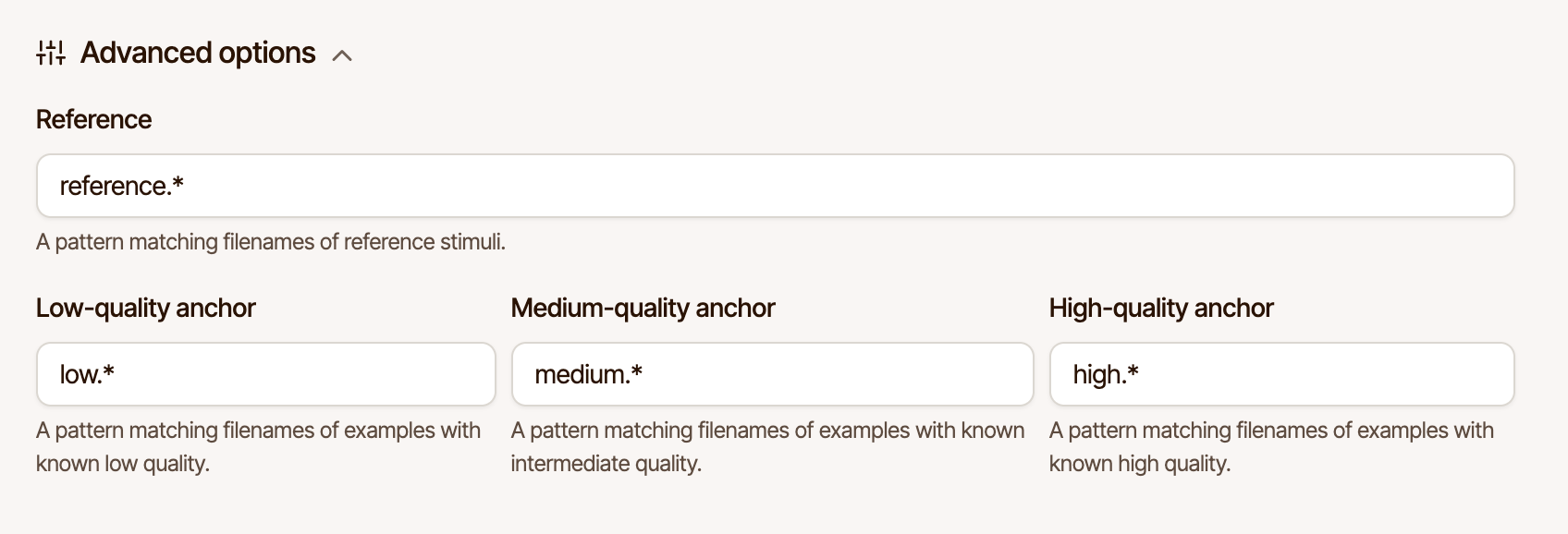
If your dataset does not contain any anchors, the MUSHRA experiment can automatically create anchors for you by low-pass filtering the reference.
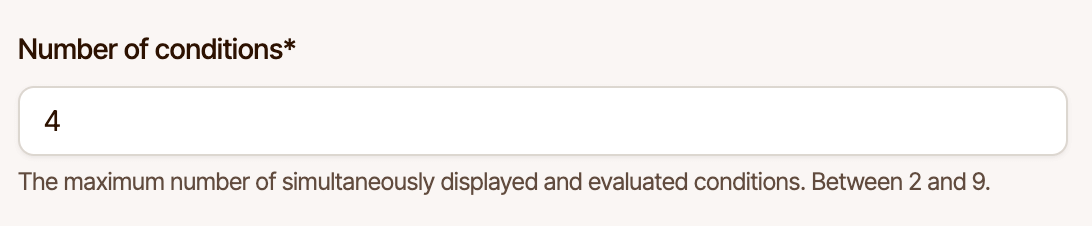
The files within a folder of your dataset will be evaluated together. If there are more stimuli than can be displayed in the interface at once, a random subset is used. The maximum number of audio files that can be evaluated together is 9 (including anchors and the hidden reference, but excluding the explicit reference).
If your dataset contains references but no anchors, anchors can be generated automatically by low-pass filtering the reference. You can control the cutoff frequency of the low-pass filter (Hz) in the experiment options.

Anchors are only generated if a folder does not contain any anchors already, otherwise these options are ignored.
This option controls how the waveform is rendered. The default setting, "reference", uses the waveform of the reference for all audio samples. This prevents raters from using the waveform to identify the reference, or to use it to draw conclusions about the quality of the audio.
Choosing "stylized" renders a stylized waveform based on each audio sample, hiding fine details of the waveform while still giving a visual indication of the overall amplitude envelope.
The waveform can be disabled completely by choosing "none", which removes the waveform from the interface. Choosing "stimulus" renders a waveform based on each audio sample, which may be suitable if there is no reference.
This option controls whether to include a hidden reference among the stimuli that are being evaluated.
This option controls whether to show an explicitly labeled reference audio sample to which all other audio samples are compared.
During a training session, hints can be shown to teach raters to rate the reference with a high score, and anchors with a low score. This assumes that a training dataset has been configured.
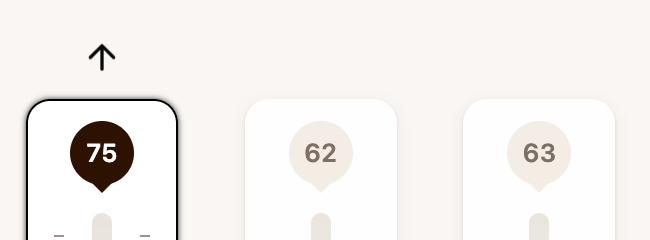
The fade time (in milliseconds) controls the duration of fade-in and fade-out when switching between audio samples. This can help to reduce clicking artifacts when switching between audio samples, particularly if they are not perfectly aligned.
This option controls the minimum duration (in milliseconds) for which each audio must be played before raters can submit their responses.
It is possible to limit the number of audio samples that are evaluated together in a single slate. Unlike other options, this is controlled via the "number of conditions" option of a job.
Below is an example configuration to get you started when using our API to create a pairwise MUSHRA experiment.
config = {
    "mushra": {
        "labels": [
            "Excellent",
            "Good",
            "Fair",
            "Poor",
            "Bad"
        ],
        "anchors": [
            {
                "label": "low",
                "modifiers": {
                    "lowPass": 3500
                }
            },
            {
                "label": "medium",
                "modifiers": {
                    "lowPass": 7000
                }
            }
        ],
        "fadeTime": 20,
        "showHints": true,
        "showWaveform": "reference",
        "showReference": true,
        "hiddenReference": true,
        "minPlayDuration": 1000
    }
}