Inpainting experiment
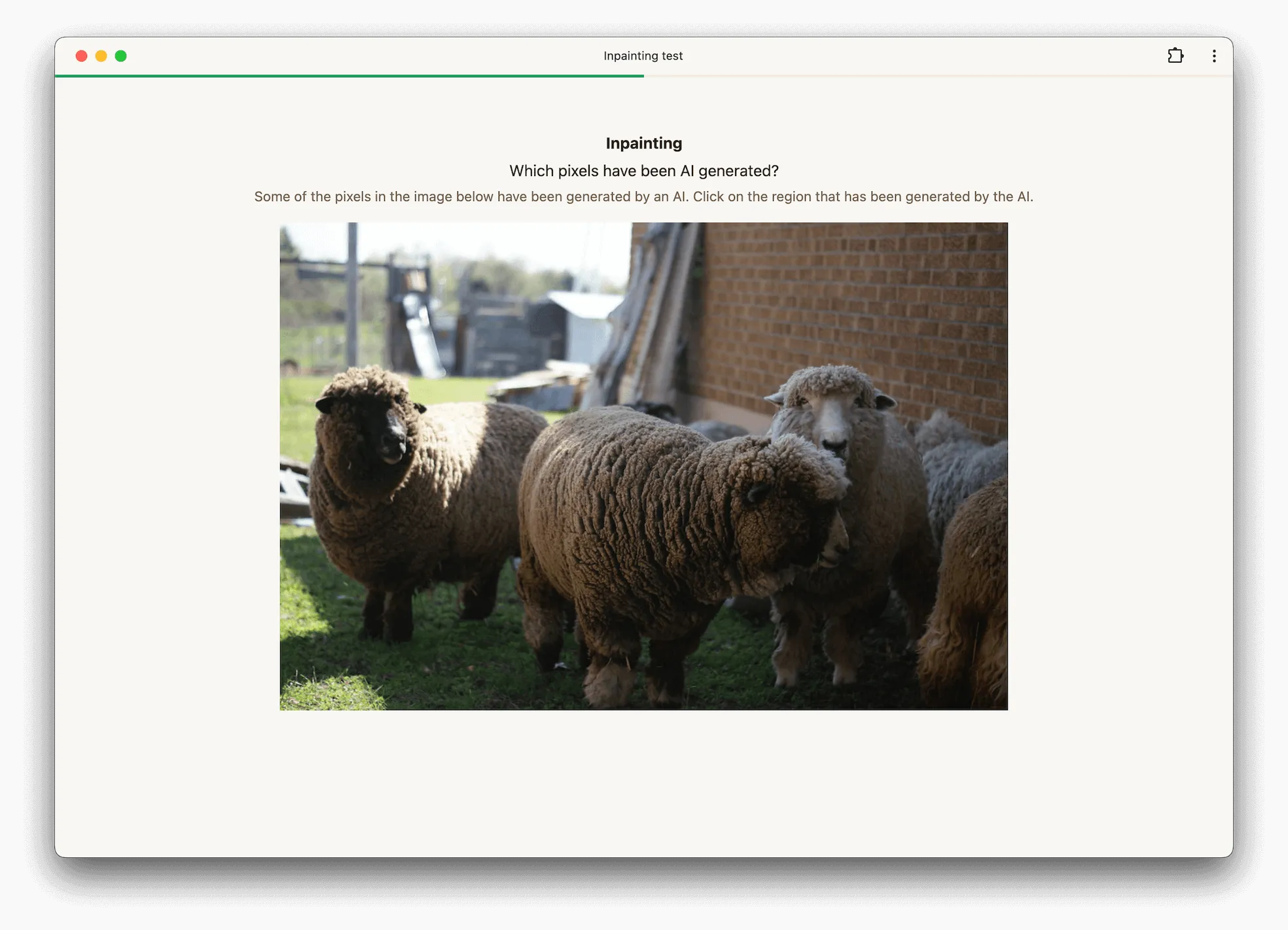
The inpainting image experiment presents raters with images that contain an edited or inpainted region and asks them to click on the area they believe was modified.
This experiment is useful when you want to measure how easy it is to spot localized edits, such as object removal, object insertion, or retouching artifacts. After each click, raters receive immediate feedback and the task automatically advances to the next image.
How it works
For each trial, the rater sees a single image and clicks once on the area they think has been inpainted. The click location is validated against a reference mask associated with that image.
If the click falls inside the masked region, the response is counted as correct. Otherwise, it is counted as incorrect.
Dataset
Each image should be paired with a reference mask that marks the inpainted region. The mask is used for validation and is not shown to raters during the task itself.
The mask should mark edited pixels as the foreground region. In completed readonly sessions, the stored mask can be overlaid for review.
Below is an example image and its corresponding mask. The white area in the mask marks the edited region that raters are expected to identify.
| Example image | Reference mask |
|---|---|
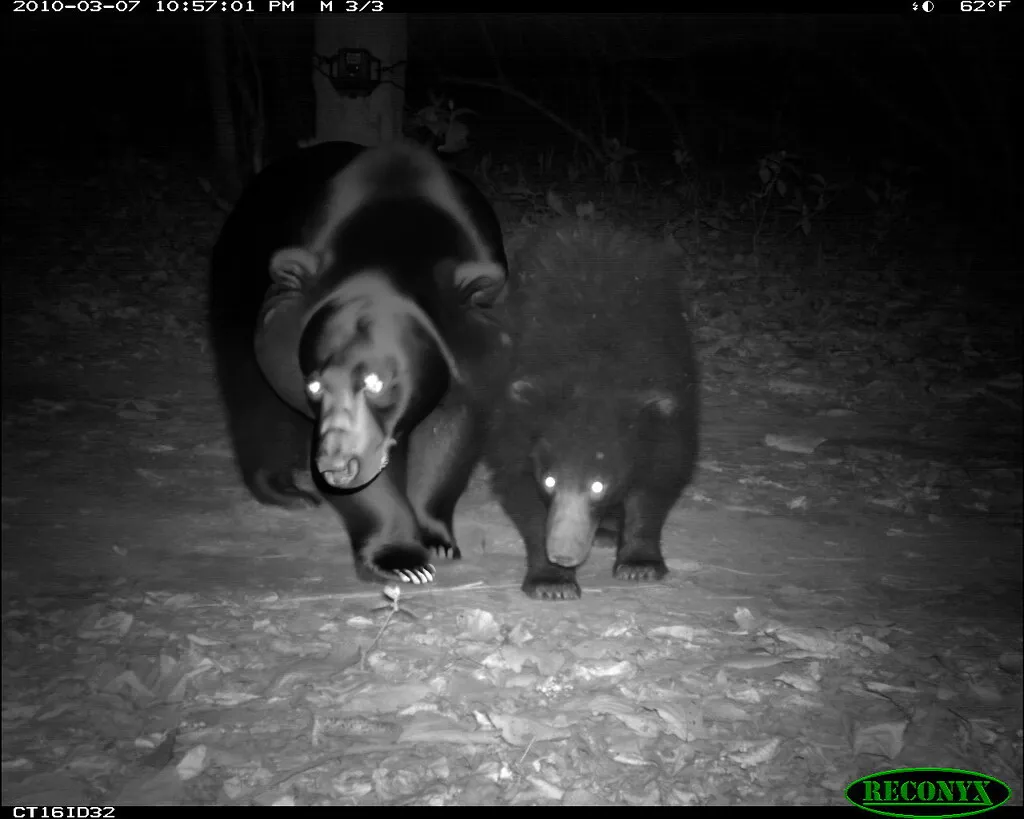 | 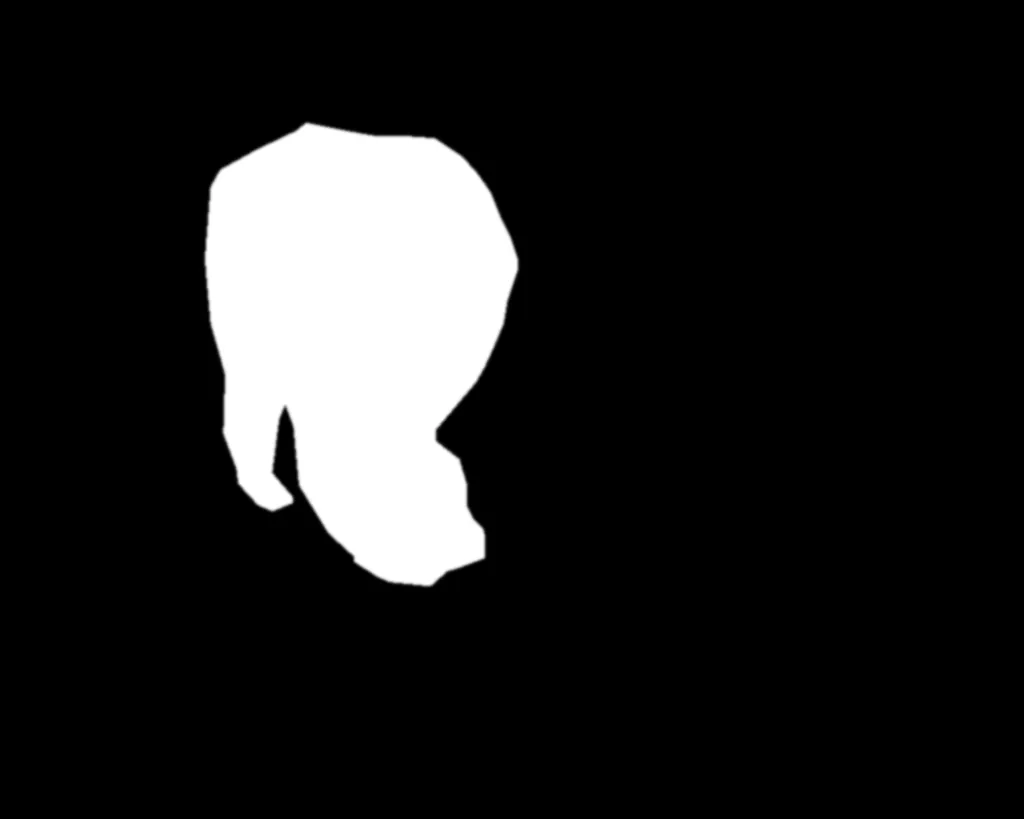 |
Options
Minimum view duration
This option controls the minimum duration (in milliseconds) for which the image must be displayed before the rater is allowed to click.
Configuration via API
Below is an example configuration to get you started when using our API to create an inpainting image experiment.
config = {
    'inpaintingImage': {
        'minViewDuration': 1000,
    },
}